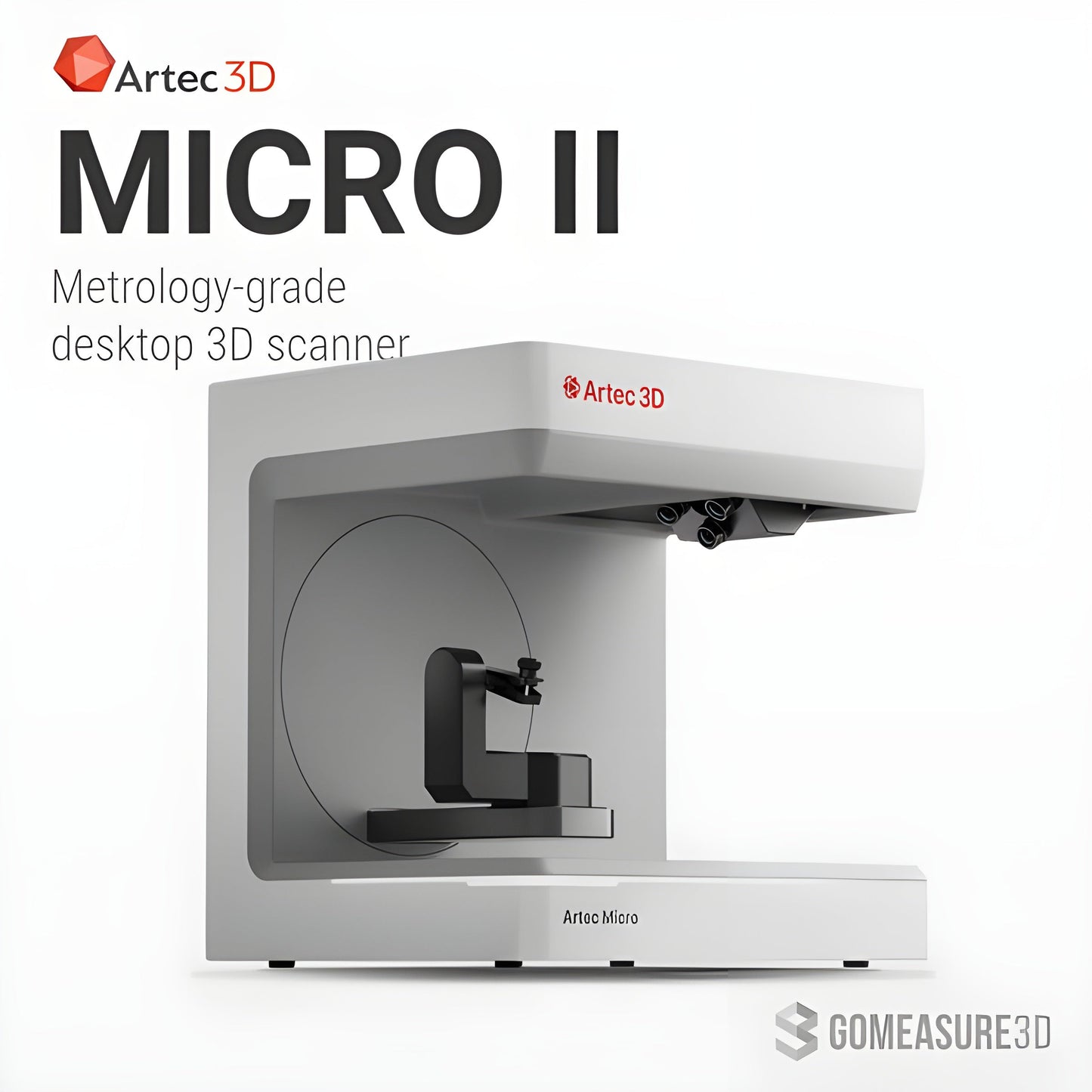
Artec Micro II 3D Scanner (EDU)
Artec Micro II 3D Scanner (EDU)
Couldn't load pickup availability

Artec Micro II 3D Scanner (EDU)
Artec Micro II 3D Scanner (EDU)
Cultivate advanced learning in the classroom–whether you’re shaping the next generation of engineers, doctors, or forensic scientists.
Features
- Artec Micro II 3D scanner
- Artec Studio license plus FREE pack of up to 50 licenses
- 2 years of free major software upgrades
- 2 years free access to selected Artec Academy (marked ‘EDU’)
Specifications
| Type | Desktop 3D Scanner |
|---|---|
| 3D Point Accuracy | Up to 5 microns (0.005 mm) |
| Repeatability | Up to 2 microns (0.002 mm) |
| Capture Color | Yes |
| Data Acquisition Speed | Not specified |
| Automation | One-click workflow |
| Scanning Volume | 20 × 20 × 15 cm |
| Accuracy Certification | ISO12836 |
| Light Source | RGB LED |
| Output Formats | STL, OBJ, PLY, and other popular formats |
| Object Size Compatibility | Up to 20 × 20 × 15 cm |
| Smart Scanning Mode | Yes |
| Target-Free Scanning | Yes |
| Camera Resolution | Four 13 MP cameras |
What our Expect Think
- Educational Discount – Special pricing for academic institutions, making high-precision 3D scanning more accessible.
- Submicron Accuracy – Captures intricate details with extreme precision, perfect for research and training.
- Automated Scanning – AI-powered, hands-free operation for effortless learning and experimentation.
- Ideal for Small Objects – Optimized for scanning jewelry, dental models, mechanical parts, and other fine-detail applications.
- Seamless Software Integration – Works with Artec Studio, providing an intuitive learning experience for students and researchers.
Q&A
Q: What is the Artec Micro II 3D Scanner (EDU)?
A: The Artec Micro II (EDU) is a high-precision desktop 3D scanner designed for educational institutions, offering 5-micron accuracy for research, training, and academic applications.
Q: How is the EDU version different from the standard Micro II?
A: The EDU version provides the same advanced precision, AI-enhanced scanning, and software capabilities but comes with discounted pricing for academic institutions.
Q: What industries or fields benefit from this scanner?
A: It’s widely used in engineering, forensics, archaeology, medical research, jewelry design, and industrial training for creating ultra-precise 3D models.
Q: Does the EDU version include software?
A: Yes, it comes with Artec Studio software, offering advanced tools for 3D scanning, processing, and exporting in formats like STL, OBJ, PLY, and WRL.
Q: Can students and faculty access support?
A: Yes, the EDU version includes access to customer support and software updates, ensuring seamless integration into academic programs.
Maintenance Tips
- Keep Lenses Clean – Use a microfiber cloth to gently remove dust and smudges for accurate scanning.
- Calibrate Regularly – Ensure periodic calibration to maintain precision and optimal scan quality.
- Store in a Stable Environment – Keep the scanner in a dust-free, temperature-controlled space to prevent wear.
- Update Software & Firmware – Always install the latest updates for enhanced performance and new features.
- Handle with Care – Avoid sudden movements or impacts that may misalign sensitive components.