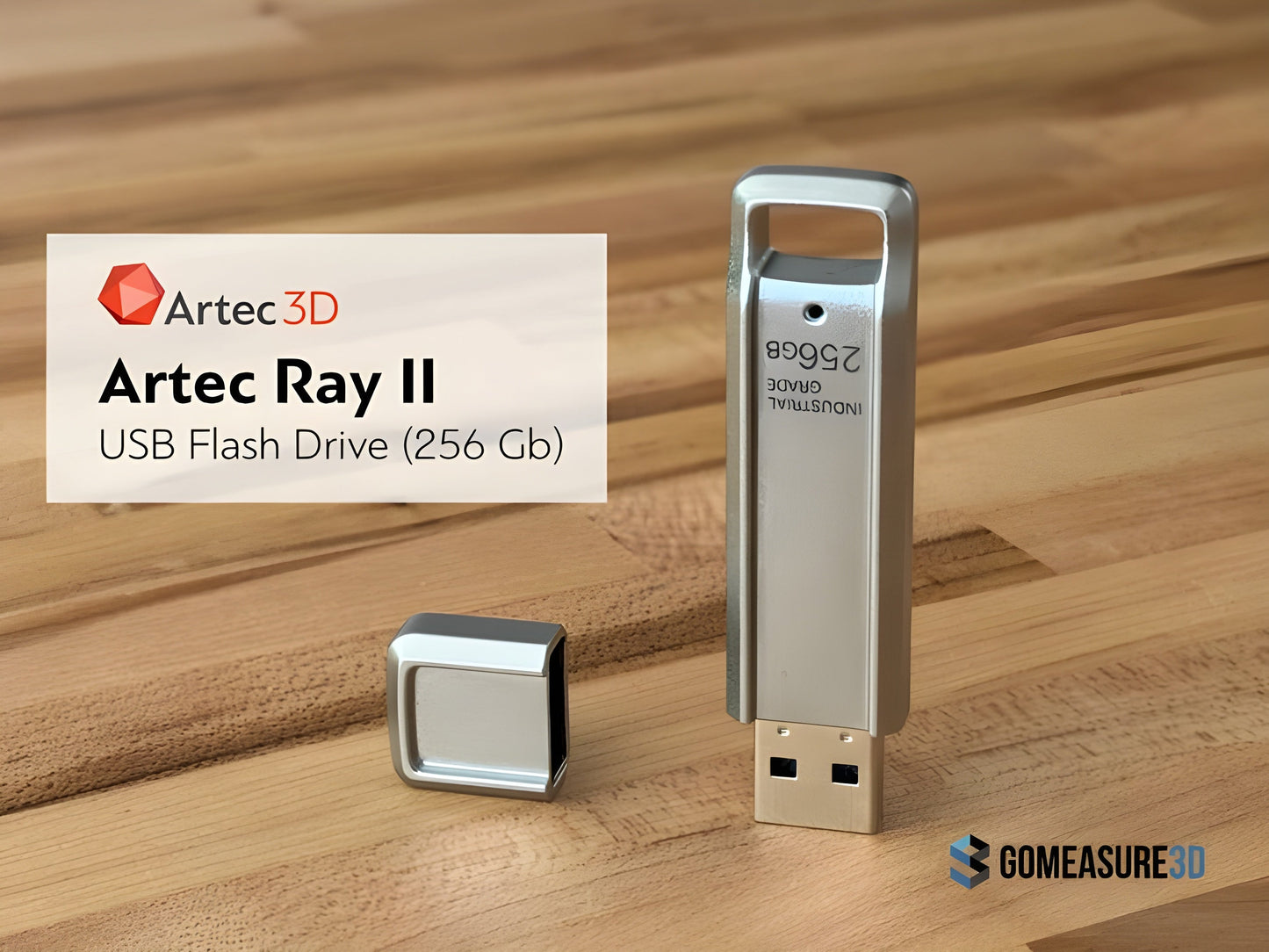
Artec Ray II USB Flash Drive (256 Gb)
Artec Ray II USB Flash Drive (256 Gb)
Couldn't load pickup availability

Artec Ray II USB Flash Drive (256 Gb)
Artec Ray II USB Flash Drive (256 Gb)
USB Flashdrive (256 Gb) for the Ray II 3D scanner
The Artec Ray II 3D scanner utilizes a specialized 256 GB USB 3.0 flash drive (model AS256) for data storage, ensuring efficient handling of large scan files
This industrial-grade flash drive is designed to withstand harsh conditions, including extreme temperatures, vibrations, shocks, and humidity, making it reliable for various scanning environmentsFeatures
- Capacity: 256 GB
- Interface: USB 3.0
- Durability: Tested for resilience against extreme environmental factors
What our Expect Think
- High-Capacity Storage – 256GB of space for large 3D scan files and project data.
- Optimized for Artec Ray II – Ensures seamless data transfer and compatibility.
- Fast Read & Write Speeds – Efficiently handles high-resolution 3D scan files.
- Durable & Reliable – Built for professional use in demanding environments.
- Portable & Convenient – Compact design for easy transportation and data backup.
Q&A
Q: What is the Artec Ray II USB Flash Drive (256GB)?
A: It is an official Artec accessory, a high-capacity USB drive designed for storing and transferring scan data from the Artec Ray II Long-Range (LIDAR) 3D Scanner.
Q: Is this USB drive necessary for using the Artec Ray II?
A: While not required, it is recommended for efficient data backup and transfer of large 3D scan files.
Q: What is the storage capacity?
A: The drive offers 256GB of storage, suitable for handling high-resolution 3D scan files.
Q: Is it compatible with other devices?
A: Yes, it works with PCs, laptops, and compatible scanning workstations, but it is optimized for Artec scanning workflows.
Q: Does it offer fast data transfer speeds?
A: Yes, it supports high-speed data transfer to ensure smooth workflow management.
Maintenance Tips
- Safely Eject Before Removal – Prevent data corruption by properly ejecting the drive before unplugging.
- Keep it Clean & Dry – Store in a dust-free, moisture-free environment to maintain performance.
- Avoid Extreme Temperatures – Protect from heat and cold to prevent hardware damage.
- Backup Important Data – Regularly copy files to another storage device to prevent data loss.
- Use Protective Casing – Store in a case to prevent physical damage when not in use.