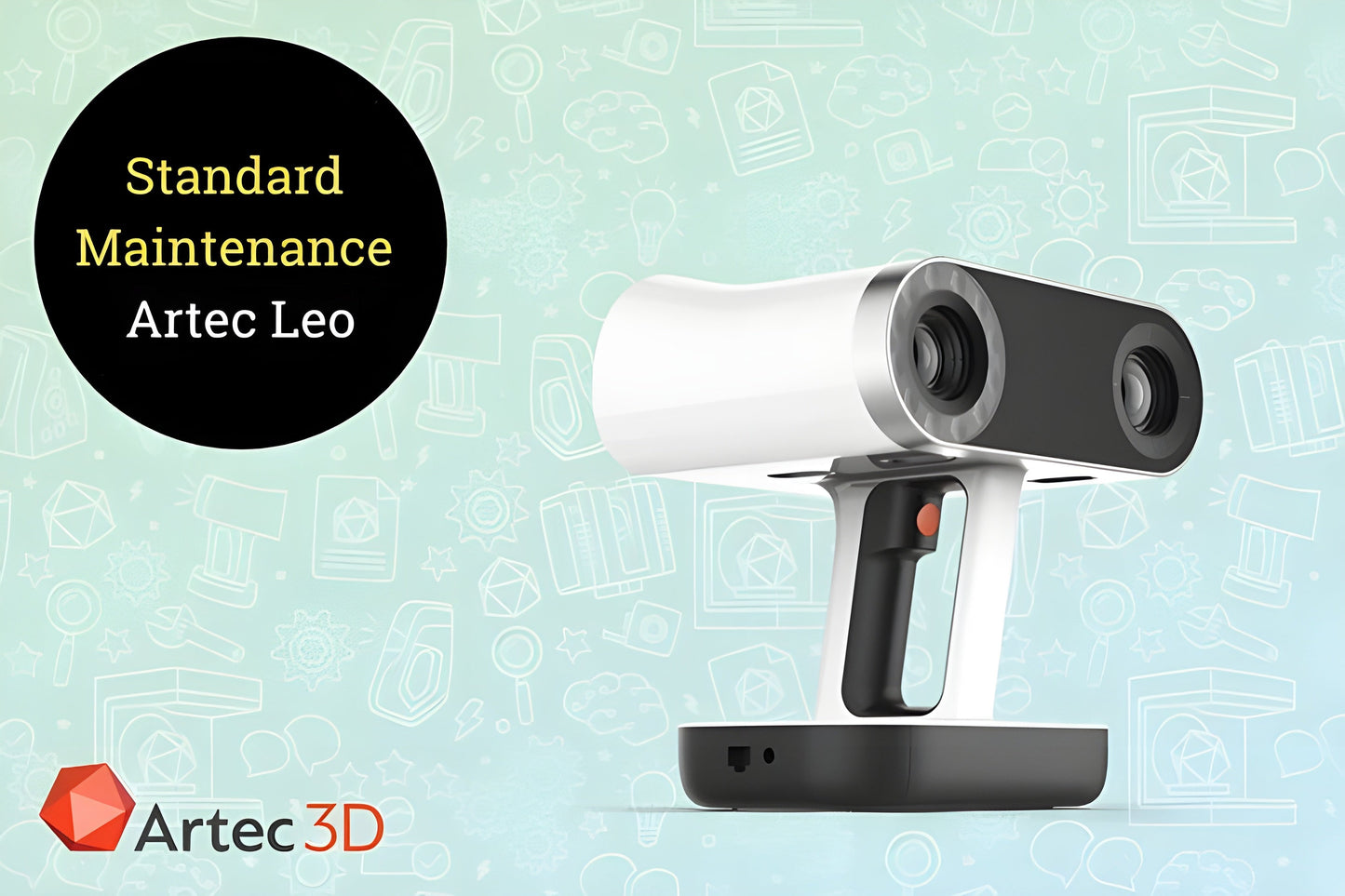
Artec Standard Maintenance for Artec Leo
Artec Standard Maintenance for Artec Leo
Couldn't load pickup availability

Artec Standard Maintenance for Artec Leo
Artec Standard Maintenance for Artec Leo
Standard Maintenance for Artec Leo
Maintenance service includes a general check-up of the scanner, internal cleaning, recalibration, QA, and packing. costs are not included. Additional repair costs may apply. Standard maintenance service does not restart/extend theIf you have any questions, please contact us.
What our Expect Think
- Comprehensive Support – Includes regular software updates and bug fixes to keep your Artec Leo running smoothly.
- Technical Assistance – Access to expert support for troubleshooting and technical inquiries.
- Enhanced Performance – Ensures your device operates at peak efficiency with maintenance checks.
- Priority Access – Get quicker response times for support and service requests.
- Long-Term Value – Protect your investment with ongoing maintenance to extend the lifespan of your Artec Leo.
Q&A
Q: What is Artec Standard Maintenance for Artec Leo?
A: It is a maintenance service that ensures the Artec Leo 3D scanner remains in optimal working condition with regular checkups, software updates, and technical support.
Q: What does the standard maintenance include?
A: It typically includes firmware and software updates, performance checks, calibration, and troubleshooting assistance.
Q: How often is maintenance required?
A: Maintenance is typically performed annually to ensure the scanner operates efficiently and remains up-to-date with the latest software and features.
Q: Is there technical support included?
A: Yes, the maintenance plan includes access to Artec’s technical support team for any troubleshooting or issues that may arise.
Q: Does it cover repairs or parts replacement?
A: Standard maintenance focuses on software updates, calibration, and support, but repairs or parts replacement may require an additional service plan.
Q: Who should use this service?
A: Ideal for professionals and businesses that rely on the Artec Leo for regular 3D scanning and want to ensure long-term performance.
Maintenance Tips
- Regularly Clean the Scanner – Use a soft, dry cloth to clean the exterior and lenses. Avoid using abrasive materials.
- Keep the Battery Charged – Charge your Artec Leo regularly to ensure it’s ready for use and extend battery lifespan.
- Perform Calibration – Calibrate the scanner regularly to maintain high accuracy in scans.
- Update Software – Keep the software and firmware updated for new features and performance improvements.
- Store Properly – Keep the Artec Leo in a protective case when not in use, and store in a dry, temperature-controlled environment.