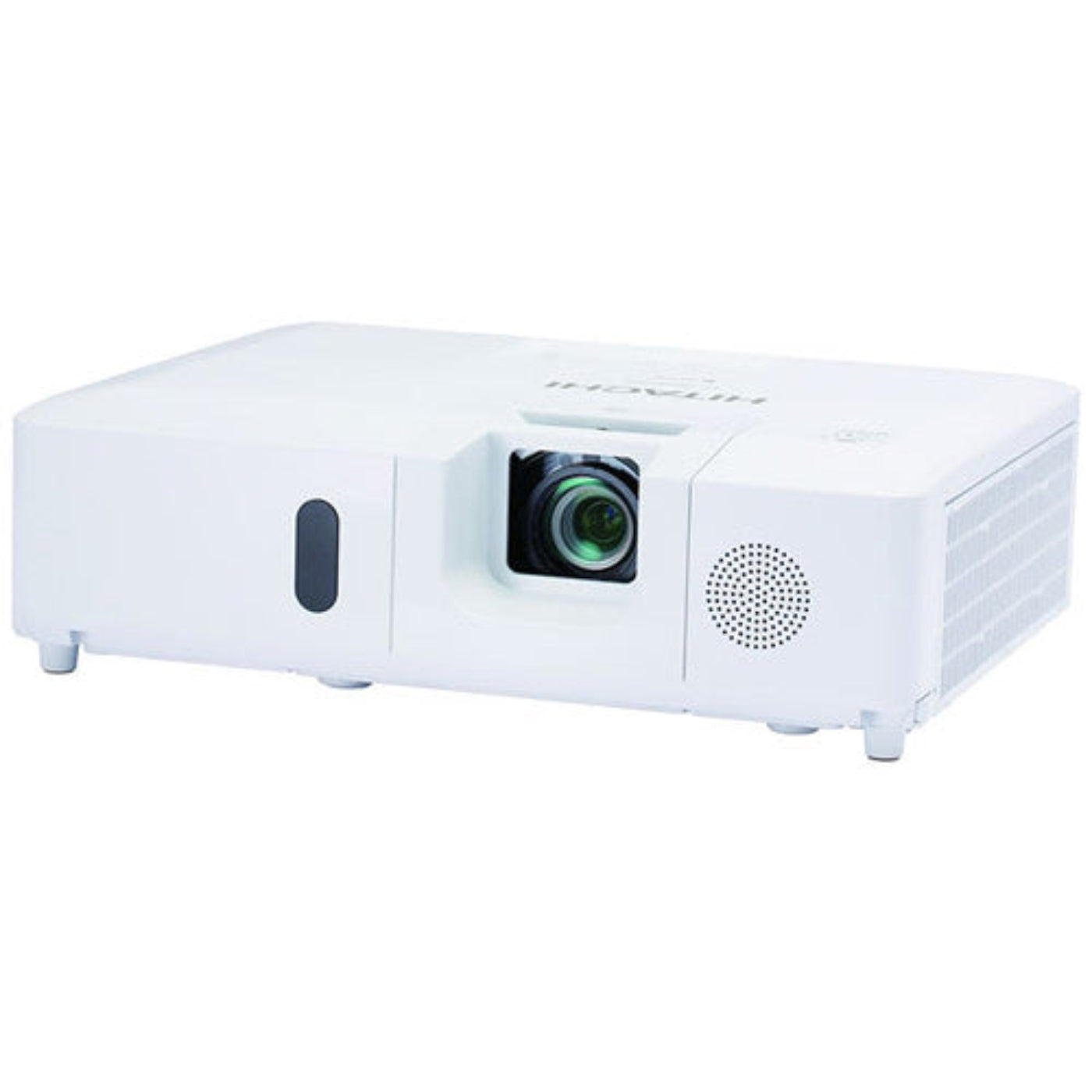
Hitachi XGA 3LCD Projector - CPEX5001WN
Hitachi XGA 3LCD Projector - CPEX5001WN
Regular price
$876.99
Regular price
$876.99
Sale price
$1,169.00
Unit price
per
Couldn't load pickup availability

Hitachi XGA 3LCD Projector - CPEX5001WN
Regular price
$876.99
Regular price
$876.99
Sale price
$1,169.00
Unit price
per
Hitachi XGA 3LCD Projector - CPEX5001WN
Hitachi CP-EX5001WN 5200-Lumen XGA 3LCD Projector. It features 5200 lumens of brightness to overcome ambient light in many situations, and its 1024 x 768 XGA resolution help keep images and text clear at most viewing distances.
- 5200 ANSI Lumens
- XGA Resolution (1024 x 768)
- Dual HDMI Connectivity
What Our Experts Think
- High-Performance XGA Projection – The Hitachi CPEX5001WN delivers bright, detailed visuals with 3LCD technology, ensuring presentations remain clear and impactful.
- Excellent for Business & Education – Its XGA resolution provides sharp text and graphics, making it ideal for classrooms, meeting rooms, and training environments.
- Network-Ready Convenience – Built-in networking capabilities allow for efficient remote management and monitoring across multiple installations.
- Vibrant, True-to-Life Colors – 3LCD technology produces rich color reproduction and balanced brightness for a more engaging viewing experience.
- Designed for Reliable Daily Operation – Engineered for consistent performance in professional environments where dependability matters.
Q&A
Maintenance Tips
- Clean the air filter regularly to maintain proper airflow and prevent overheating, especially in high-use educational and business environments.
- Replace or clean the filter as recommended to ensure efficient cooling and long-term reliability.
- Use Eco Mode whenever possible to extend lamp life, reduce power consumption, and lower operating temperatures.
- Keep ventilation openings free from dust and obstructions and allow adequate clearance around the projector.
- Allow the cooling fan to complete its shutdown cycle before disconnecting power.
- Clean the lens with a microfiber cloth to maintain bright, sharp image quality and prevent scratches.
- Monitor lamp usage hours and replace the lamp when brightness decreases or lamp warning indicators appear.
- Operate in a clean, dust-free environment to minimize internal dust buildup and maintain optimal performance.
- Avoid exposure to moisture, smoke, and extreme temperatures that may damage optical and electronic components.
- Store the projector in a cool, dry location when not in use for extended periods.