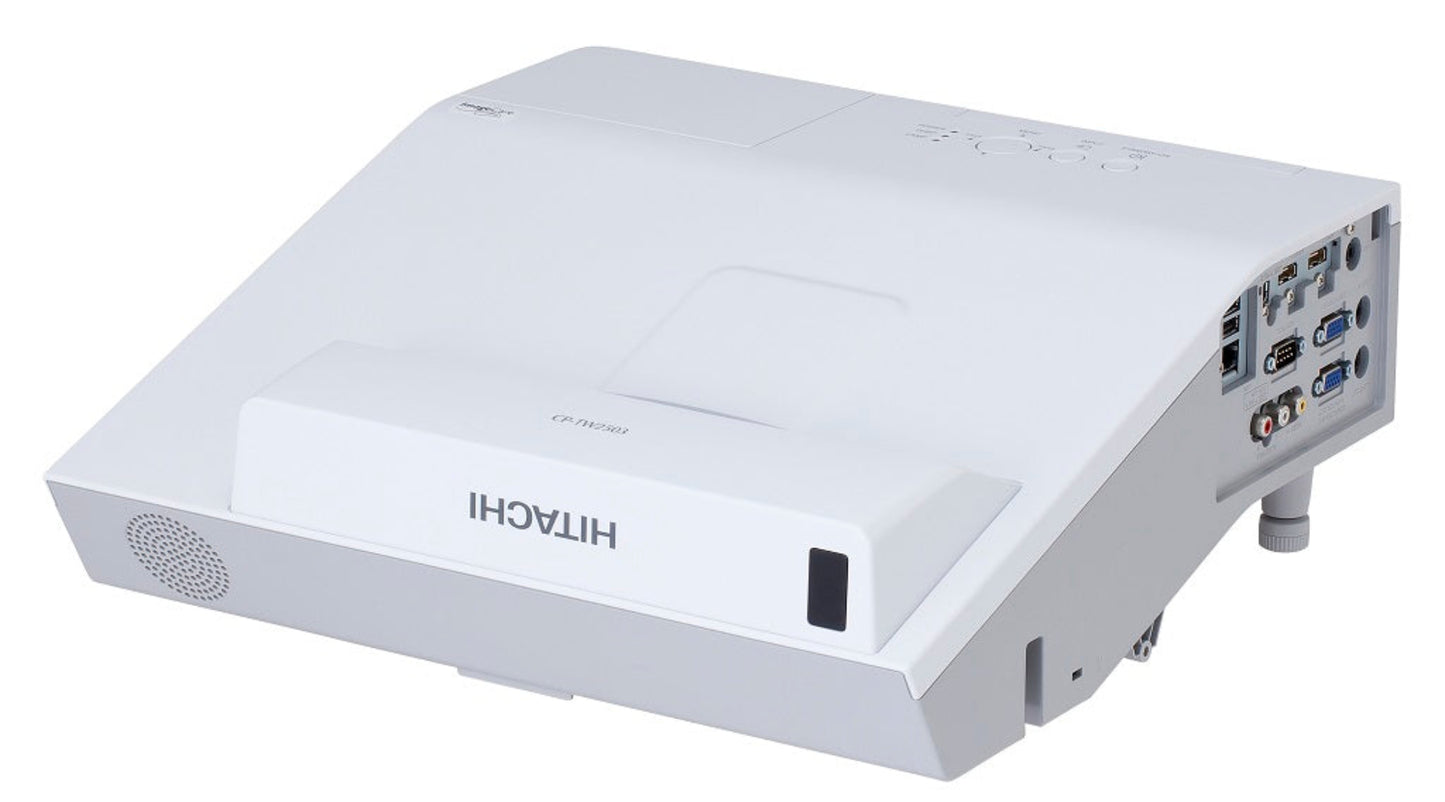
Hitachi 3LCD Short Throw Projector - CPTW2503
Hitachi 3LCD Short Throw Projector - CPTW2503
Couldn't load pickup availability

Hitachi 3LCD Short Throw Projector - CPTW2503
Hitachi 3LCD Short Throw Projector - CPTW2503
Hitachi CP-TW2503 Projector
- 2700 LUMENS
- WXGA RESOLUTION
- INTERACTIVE SHORT-THROW
What Our Experts Think
- Ideal for Small Rooms & Classrooms – The Hitachi CP-TW2503 short throw projector creates large images from a short distance, helping reduce shadows and screen glare during presentations.
- Interactive Learning Ready – Designed with education and collaboration in mind, making it a strong choice for classrooms, training rooms, and meeting spaces.
- WXGA Wide-Screen Resolution – Delivers sharp, detailed visuals that work well with HD content, presentations, and educational materials.
- Space-Saving Installation – The short throw design allows flexible placement in compact rooms without sacrificing image size.
- Reliable 3LCD Technology – Produces bright colors, accurate image reproduction, and consistent performance for everyday professional use.
Q&A
Q: What is the Hitachi CP-TW2503 projector best used for?
A: The CP-TW2503 is ideal for classrooms, meeting rooms, and interactive presentations thanks to its short throw design and WXGA resolution.
Q: Does the CP-TW2503 support short throw projection?
A: Yes, it can project large images from a short distance, helping reduce shadows and screen glare.
Q: Is this projector suitable for educational environments?
A: Absolutely. Its bright image quality, interactive capabilities, and space-saving installation make it popular for schools and training rooms.
Q: What image quality can I expect from the CP-TW2503?
A: The projector delivers clear WXGA widescreen visuals with vibrant colors and sharp detail for presentations and multimedia content.
Q: Does the Hitachi CP-TW2503 offer flexible connectivity?
A: Yes, it supports multiple input options for easy connection to computers, media devices, and classroom technology.
Q: Why choose a short throw projector?
A: Short throw projectors create large images in compact spaces while minimizing presenter shadows and distractions.
Maintenance Tips