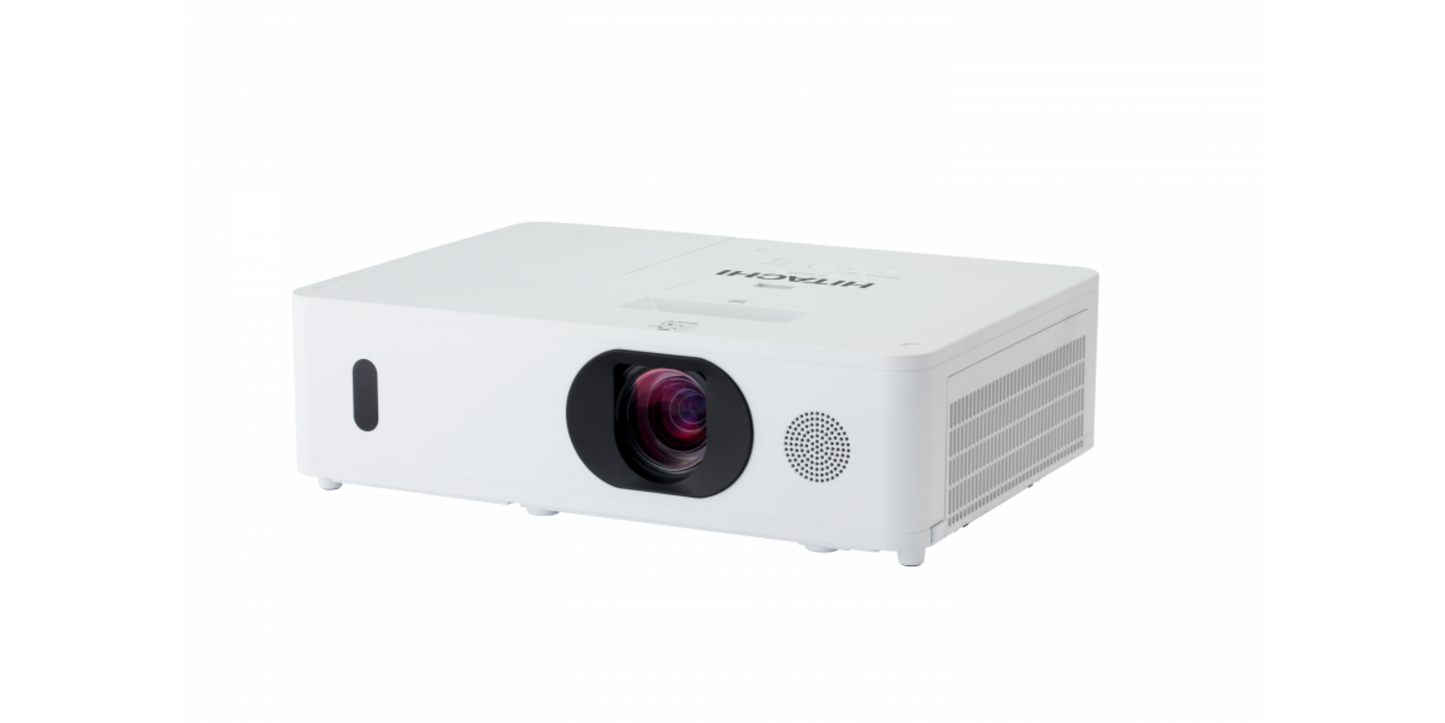
Hitachi 3LCD WUXGA Projector - CPWU5506
Hitachi 3LCD WUXGA Projector - CPWU5506
Couldn't load pickup availability

Hitachi 3LCD WUXGA Projector - CPWU5506
Hitachi 3LCD WUXGA Projector - CPWU5506
Features
- 5200 ANSI Lumens
- WUXGA Resolution (1920 x 1200)
- 10,000:1 Contrast Ratio
What our Experts Think
-
Vivid Brightness & Clarity: With **5,200 ANSI lumens and native WUXGA (1920 × 1200) resolution, this 3LCD projector delivers bright, detailed visuals even in well‑lit rooms — great for classrooms, conference halls, or corporate presentations.
-
True‑to‑Life Color & High Contrast: 3LCD technology combined with a 10,000:1 contrast ratio ensures accurate colors and deep blacks for engaging content displays.
-
Flexible Installation: Manual zoom (1.7×) and horizontal/vertical lens shift give you placement flexibility without complex mounting.
-
Large Screen Capability: Projects a wide 30″–300″ image size, ideal for large venues, presentations, and multimedia displays.
-
Comprehensive Connectivity: Multiple inputs — including HDMI, HDBaseT, USB, VGA, and network ports — support a range of devices and signal sources.
-
Long‑Life Lamp & Filter: Up to 6,000 hours lamp life in Eco mode and a hybrid filter help reduce maintenance and operating costs.
Q&A
Q1: What type of projector is this?
A: A 3LCD WUXGA projector with native 1920×1200 resolution (16:10) — ideal for detailed presentations, classrooms, and large venues.
Q2: How bright is the image?
A: Delivers 5,200 ANSI lumens of white and color brightness for vivid, clear imagery even in well‑lit rooms.
Q3: What contrast and image quality can I expect?
A: Features a 10,000:1 contrast ratio for solid depth and defined visuals.
Q4: What lamp life should I expect?
A: Lamp life is up to 4,000 hours (normal mode) and 6,000 hours (eco mode), reducing maintenance costs.
Q5: What connectivity options are available?
A: Includes 2× HDMI (one with MHL), HDBaseT, VGA, USB, and network ports — great for flexible multimedia sources.
Q6: Does it support installation flexibility?
A: Yes — manual zoom/focus and vertical/horizontal lens shift help accommodate various room setups.
Q7: What additional features does it offer?
A: Supports edge blending, warping, accentualizer image enhancement, Miracast connectivity, and built‑in speaker for expanded multimedia use.
Maintenance Tips
-
Regular Cleaning: Wipe the exterior with a soft, dry cloth; clean air filters periodically to prevent dust buildup and overheating.
-
Lamp Care: Follow manufacturer instructions for lamp replacement; avoid touching the lamp with bare hands.
-
Proper Ventilation: Ensure the projector has adequate airflow; avoid blocking vents during operation.
-
Safe Handling: Mount or move the projector carefully to prevent shocks or misalignment.
-
Operational Checks: Periodically test projection and color performance; address unusual noises, flickering, or image issues promptly.