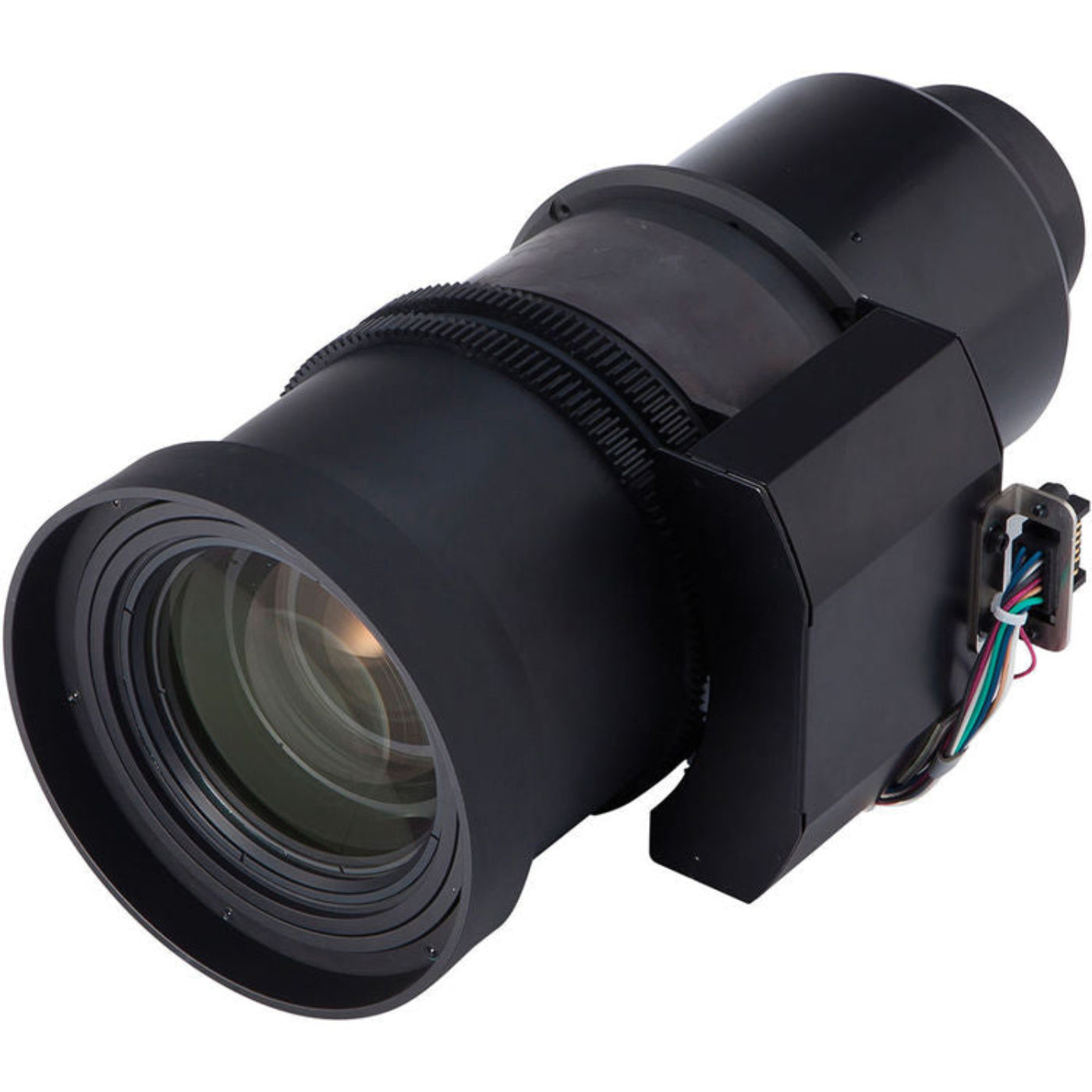
Hitachi Standard Zoom Lens - MLK04
Hitachi Standard Zoom Lens - MLK04
Regular price
$5,879.99
Regular price
$5,879.99
Sale price
$7,839.00
Unit price
per
Couldn't load pickup availability

Hitachi Standard Zoom Lens - MLK04
Regular price
$5,879.99
Regular price
$5,879.99
Sale price
$7,839.00
Unit price
per
Hitachi Standard Zoom Lens - MLK04
This is a Hitachi ML-K04 Standard Zoom Lens for the Hitachi CP-WU13K projector.
What Our Experts Think
- Standard zoom lens provides flexible image sizing for a variety of room layouts.
- Designed to deliver sharp, clear projections with consistent image quality.
- Ideal for classrooms, boardrooms, auditoriums, and professional AV installations.
- Zoom capability allows easier projector placement without compromising image size.
- Supports reliable performance for both business and educational environments.
- Engineered for seamless compatibility with supported Hitachi projector models.
- Helps optimize projection setup for maximum viewing comfort and clarity.
- Durable construction designed for long-term professional use.
Q&A
Maintenance Tips
- Clean the lens surface regularly using a microfiber lens cloth to maintain sharp image quality.
- Avoid touching the glass directly to prevent fingerprints and smudges.
- Use a lens cap when the projector is not in use to protect against dust and scratches.
- Store the lens in a clean, dry environment away from excessive heat and humidity.
- Inspect mounting points periodically to ensure the lens remains securely attached.
- Remove dust with a blower or soft brush before wiping the lens surface.
- Handle the lens carefully during installation and transport to prevent alignment damage.