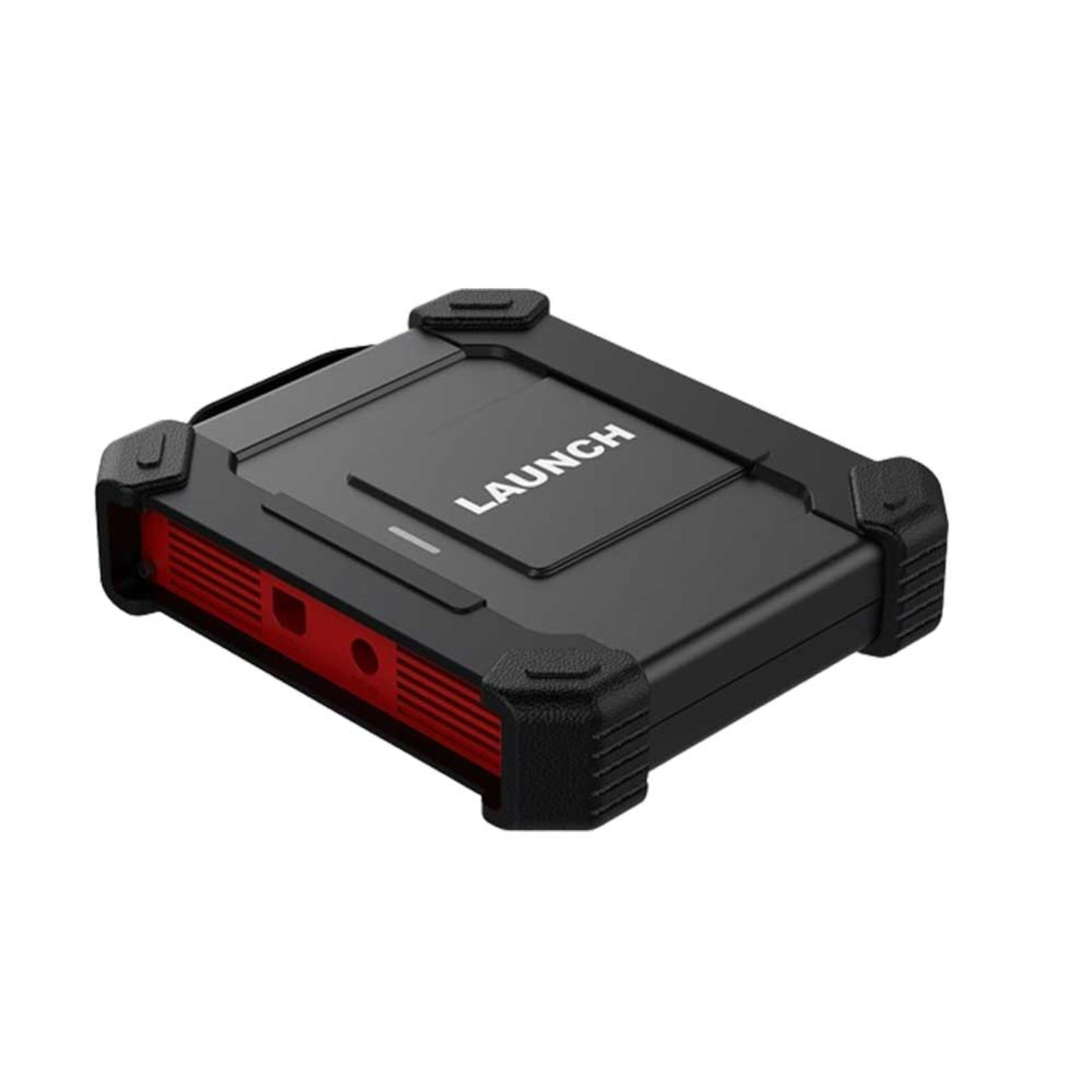
Launch Tech USA - O2-2 Four Channel Scopebox Electrical Faults Solver - LNCH-SCOPE-O2-2
Launch Tech USA - O2-2 Four Channel Scopebox Electrical Faults Solver - LNCH-SCOPE-O2-2
Couldn't load pickup availability

Launch Tech USA - O2-2 Four Channel Scopebox Electrical Faults Solver - LNCH-SCOPE-O2-2
Launch Tech USA - O2-2 Four Channel Scopebox Electrical Faults Solver - LNCH-SCOPE-O2-2
Featuring a new design and upgraded hardware, the LAUNCH O2-2 Scopebox is a versatile, easy-to-use module that detects high level faults on various electrical components such as: sensors, actuators and circuits. By integrating with X-431 series scan tools via O2-2 application, the O-2 delivers accurate and conclusive diagnostic faults that enable the shop and technician to enlarge its scan tool functionality.
Features
- ECU Troubleshooting and Diagnostics.
- One Key Enable Function.
- QWERTY Keyboard Input Supported.
- Up to 50M Buffer Memory.
- Self-calibration.
- Automotive Tests (Circuits/Sensors/Actuators/Ignition...).
- X-431 Pro Scanners Compatible.
What our Experts Think
- Advanced Electrical Fault Diagnosis – A 4-channel scopebox helps technicians analyze complex electrical signals that basic code readers cannot detect.
- Ideal for Precision Testing – Useful for checking sensors, actuators, ignition signals, communication lines, and intermittent electrical faults.
- Four-Channel Advantage – Allows multiple signals to be monitored at the same time, helping compare circuit behavior and speed up troubleshooting.
- Professional Workshop Tool – Best suited for advanced technicians, diagnostic specialists, and repair shops handling modern vehicle electronics.
- Improves Diagnostic Accuracy – Real-time waveform analysis helps confirm faults before replacing parts, reducing guesswork and unnecessary repairs.
- Complements Scan Tools – Works as a powerful add-on for deeper testing when fault codes or live data do not provide the full answer.
Q&A
Q: What is the Launch Tech USA O2-2 Four Channel Scopebox?
A: The O2-2 is a professional four-channel oscilloscope designed to help technicians diagnose electrical, sensor, actuator, and circuit-related vehicle faults.
Q: What is a four-channel scope used for?
A: It allows technicians to monitor and compare multiple electrical signals simultaneously, making complex fault diagnosis faster and more accurate.
Q: What types of vehicle issues can it help diagnose?
A: It can assist with diagnosing sensor faults, ignition problems, charging system issues, communication errors, wiring faults, and intermittent electrical problems.
Q: Is this tool suitable for professional workshops?
A: Yes, it is designed for professional technicians, automotive repair facilities, and advanced diagnostic environments.
Q: How does it improve troubleshooting efficiency?
A: By displaying real-time electrical waveforms, it helps technicians identify faults that may not be detected by standard code readers.
Q: Can it be used alongside diagnostic scan tools?
A: Yes, it complements diagnostic scanners by providing deeper electrical system analysis and waveform testing.
Q: Is it useful for modern vehicle diagnostics?
A: Yes, it is well-suited for diagnosing today's electronically controlled vehicle systems and components.
Q: Who is the O2-2 Four Channel Scopebox ideal for?
A: It is ideal for diagnostic specialists, professional mechanics, automotive electricians, and advanced repair workshops.
Maintenance Tips