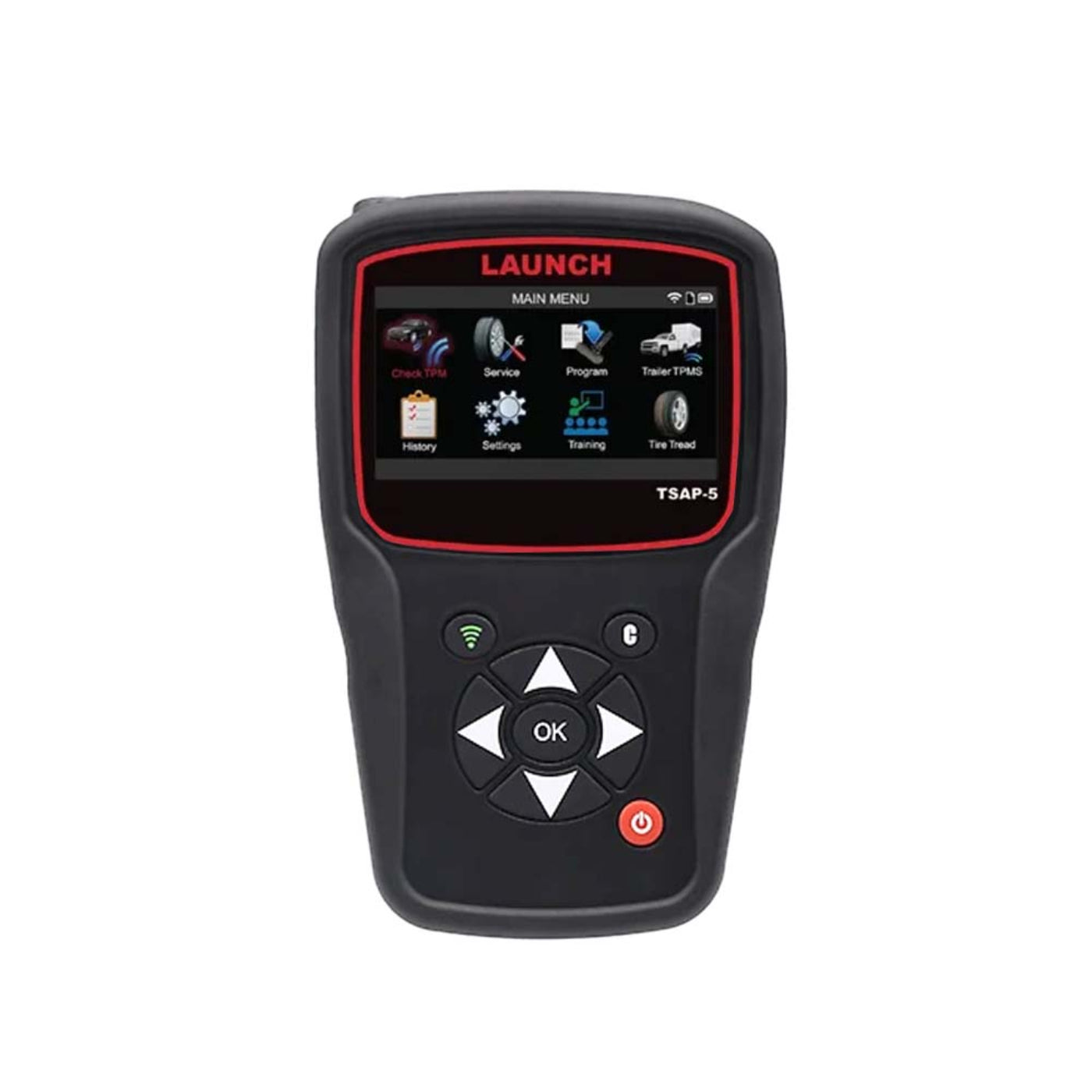
Launch Touchscreen TPMS Tool - LNCH-TSAP-5
Launch Touchscreen TPMS Tool - LNCH-TSAP-5
Regular price
$974.99
Regular price
$974.99
Sale price
$1,299.95
Unit price
per
Couldn't load pickup availability

Launch Touchscreen TPMS Tool - LNCH-TSAP-5
Regular price
$974.99
Regular price
$974.99
Sale price
$1,299.95
Unit price
per
Launch Touchscreen TPMS Tool - LNCH-TSAP-5
The TSAP-5 is an all-new comprehensive, touchscreen TPMS tool. The TSAP-5 is designed for the everyday technician looking to perform service right the first time, every time. Some of the features include Reading/Clearing TPMS DTC's, DOT Recording, 100% OEM sensor diagnostic coverage, 90% OBDII coverage, Vehicle VIN scanning, and more.
Features
- Touch-screen Interface
- Make, Model, Year lookup via VIN scan
- Activates all OEM sensors and displays all sensor data
- Worldwide vehicle coverage, always up to date
- Ability to reset vehicles via both manual and OBDII relearn
- Programs all leading aftermarket sensor brands
- Provides TPMS relearn procedures on-screen
- Indicates OE sensor and service kit part numbers
- Displays TPMS data for up to 7 tires in one screen
- Supports Placard Adjustment
- Wi-Fi Updating
- DOT Manual Recording
- Read/Clear TPMS DTC Codes
What our Experts Think
- Dedicated professional TPMS platform: The Launch TSAP-5 is considered a high-end touchscreen TPMS tool designed for fast, accurate, full-service tire pressure system diagnostics in workshop environments.
- Complete sensor control: Supports activation, reading, programming, and relearn procedures for OEM and major aftermarket TPMS sensors across a wide range of vehicles.
- Fast VIN-based workflow: Built-in VIN scan lookup streamlines vehicle selection, reducing setup time and improving service efficiency for technicians.
- Wide workshop coverage: Strong global compatibility with domestic, Asian, and European vehicles, making it suitable for multi-brand tire and repair shops.
- Advanced guided relearn support: On-screen instructions simplify TPMS relearn processes, reducing errors during sensor replacement and wheel service.
- Data-rich diagnostics: Displays sensor ID, pressure, temperature, and status data for multiple tires simultaneously for faster fault isolation.
- Efficient tire service integration: Ideal for shops handling both diagnostics and tire work, improving turnaround time and service consistency.
- Modern connectivity & updates: Wi-Fi update support ensures ongoing vehicle coverage expansion and compatibility with newer TPMS systems.
Q&A
Maintenance Tips
- Keep software updated: Regularly update TPMS database for accurate sensor coverage and fast relearn procedures.
- Protect touchscreen: Use a screen protector and clean with a soft microfiber cloth only—avoid solvents.
- Battery care: Charge before full depletion; avoid overcharging to extend battery lifespan.
- Handle TPMS antenna carefully: Do not drop or strike the RF sensor area to maintain signal strength.
- Keep antenna/receiver clean: Dust or moisture can reduce sensor reading accuracy.
- Proper sensor handling: Avoid exposing TPMS sensors to strong magnetic fields or impact.
- Stable environment use: Perform diagnostics away from heavy RF interference (large motors, welding machines).
- Safe storage: Store in a dry, shock-free case away from heat, oil, and humidity.
- Cable/port care: Ensure charging ports remain clean and free from corrosion for stable power connection.
- Regular reset & calibration checks: Periodically verify tool accuracy for reliable TPMS programming and relearn functions.